Tier 1
Self-Setup
GUIDE
You've bought the app and you're setting it up yourself. This is the comprehensive step-by-step guide — from unzipping the files to going live with your first trail.
Open the guide →Tier 2
We Set It Up
Onboarding
You're supplying the data and we're doing the configuration. This guide covers what we need from you and how the project unfolds from kickoff to launch.
Open the guide →Tier 3
Full Service
What do you need?
We're creating your custom map, doing on-site GPS field work, and configuring everything. This guide covers the project process, what we need, and what to expect at each phase.
Open the guide →Tools
Map Tile & Bounds Tool
Make it easy
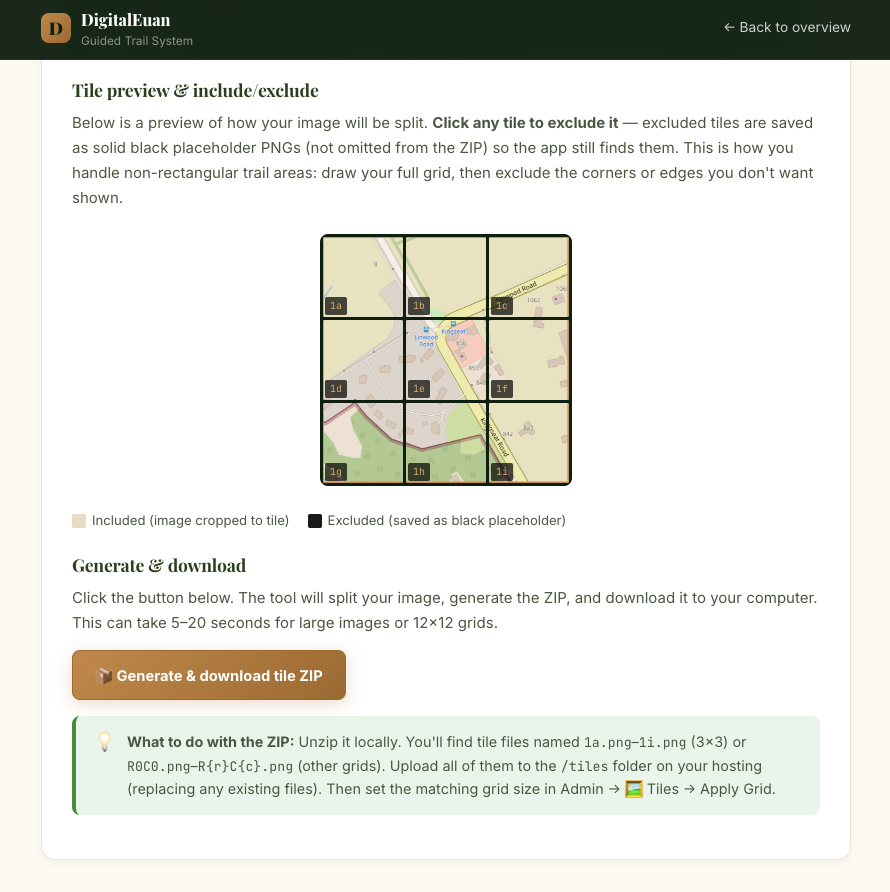
Use the Map Tile & Bounds Tool to capture a base map with collected GPS bounds or split an image into ready-to-use named Tiles.